If your meeting rooms cause more frustration than productivity, you’re not alone. From unreliable audio and awkward camera angles to rooms that “work… sometimes”, these challenges cost teams time, focus, and confidence in every meeting.
Hybrid work has transformed how organisations collaborate, but it also exposed the cracks in meeting room technology. Whether it’s audio issues, unreliable cameras, or users struggling to start a simple meeting, these frustrations slow productivity and create unnecessary friction for employees and IT teams alike.
The good news? Most of these problems are predictable. And with the right technology, they’re entirely fixable.
Here are the seven most common meeting room problems we see across Australian workplaces, and how HP | Poly helps eliminate them.
1. Poor audio pickup that leaves remote attendees struggling
If people can’t hear clearly, the meeting fails - full stop. Common issues include echo, inconsistent pickup, or background noise drowning out key voices.
HP | Poly solves this challenge with intelligent audio technologies built for clarity in real-world environments. NoiseBlock AI filters out background noise, while Acoustic Fence creates a clean, defined audio zone that prevents unwanted sounds from entering the meeting. Beamforming microphones then capture speech more accurately, and Poly’s decades of audio heritage ensure voices sound natural, clear, and consistent - delivering a professional meeting experience every time.
Remote attendees stay engaged, and you eliminate the classic "sorry, can you repeat that?"
2. Cameras that don’t track participants smoothly
From static wide shots to jerky transitions, poor camera intelligence disrupts the experience for everyone online.
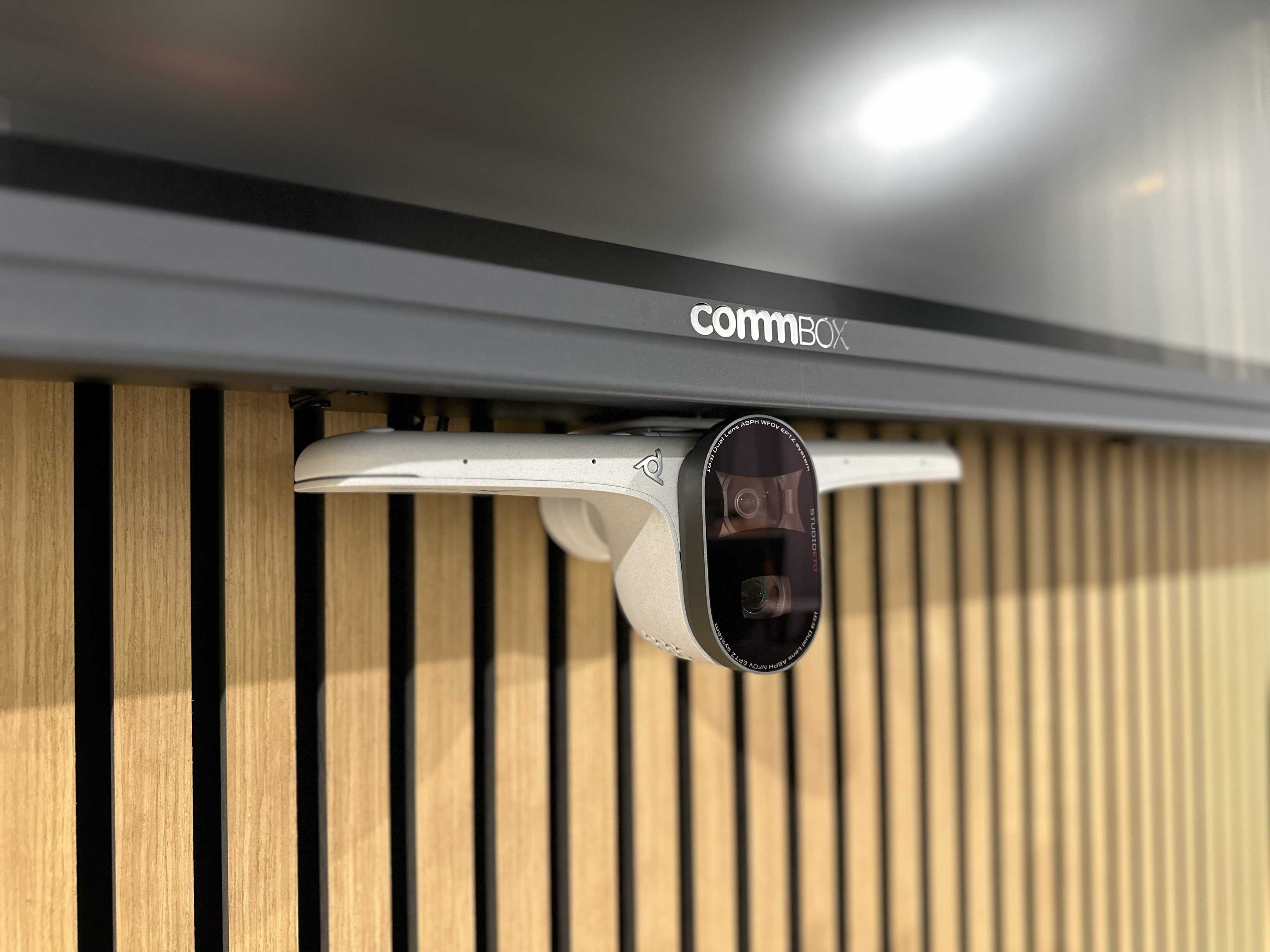
HP | Poly addresses this challenge with intelligent video technologies that keep meetings engaging and easy to follow. DirectorAI automatically tracks active speakers, while multi-speaker framing ensures everyone is clearly visible without jarring camera cuts. Paired with devices like the Poly Studio E70, which delivers cinematic-quality optics purpose-built for larger rooms, this creates a more natural, immersive video experience for both in-room and remote participants.
The result? Meetings look polished, consistent, and inclusive.
3. Meetings that are difficult to start
It shouldn't take three people and a cable hunt to begin a meeting. Yet many rooms still struggle with confusing interfaces and unsupported peripherals.
The HP | Poly advantage lies in delivering a truly intuitive meeting experience across platforms. Certified for Microsoft Teams Rooms and Zoom Rooms, HP | Poly solutions offer familiar interfaces with one-touch join to get meetings started instantly. Seamless pairing with HP compute kits simplifies deployment and management, while devices are purpose-built to support Teams, Zoom, and flexible BYOD workflows - ensuring consistent, reliable experiences in every meeting space.
Meetings start instantly, without the pre-meeting stress.
4. Rooms that aren't optimised for Microsoft Teams / Zoom / Google
Teams is now the communication backbone for most organisations, but not all hardware plays nicely with it.
HP | Poly’s edge comes from delivering end-to-end Microsoft Teams Rooms–certified solutions designed to work seamlessly together. With purpose-built cameras, video bars, and microphones engineered for performance and reliability, HP and Poly ensures a consistent experience across every space. Backed by full lifecycle compatibility and long-term support, these solutions give IT teams confidence that meeting rooms will remain reliable, scalable, and future-ready.
When the hardware is certified, everything just works.
5. IT teams constantly firefighting support tickets
Camera issues. Audio drops. Firmware mismatches. Many AV tickets could be prevented with smarter monitoring.
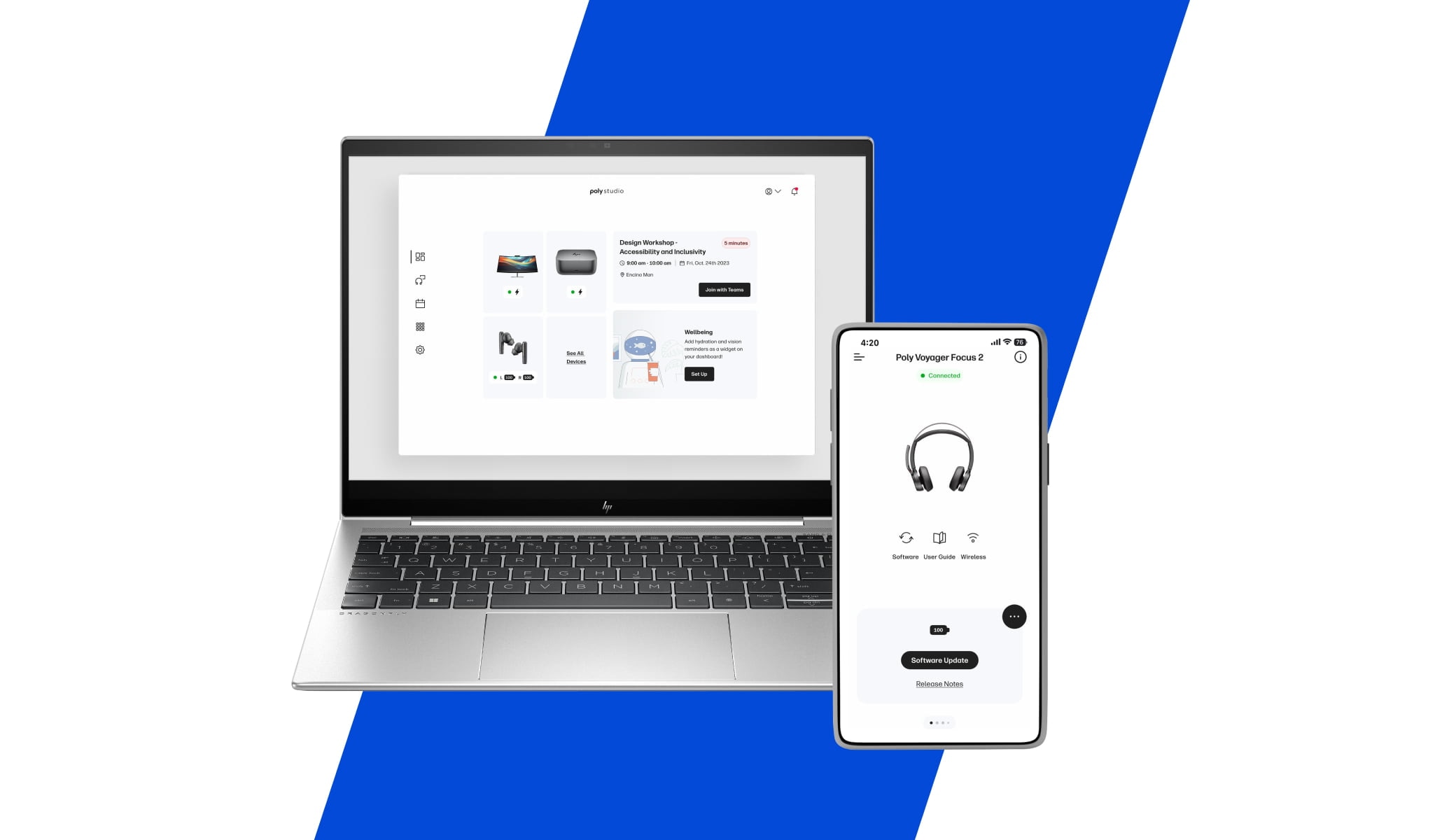
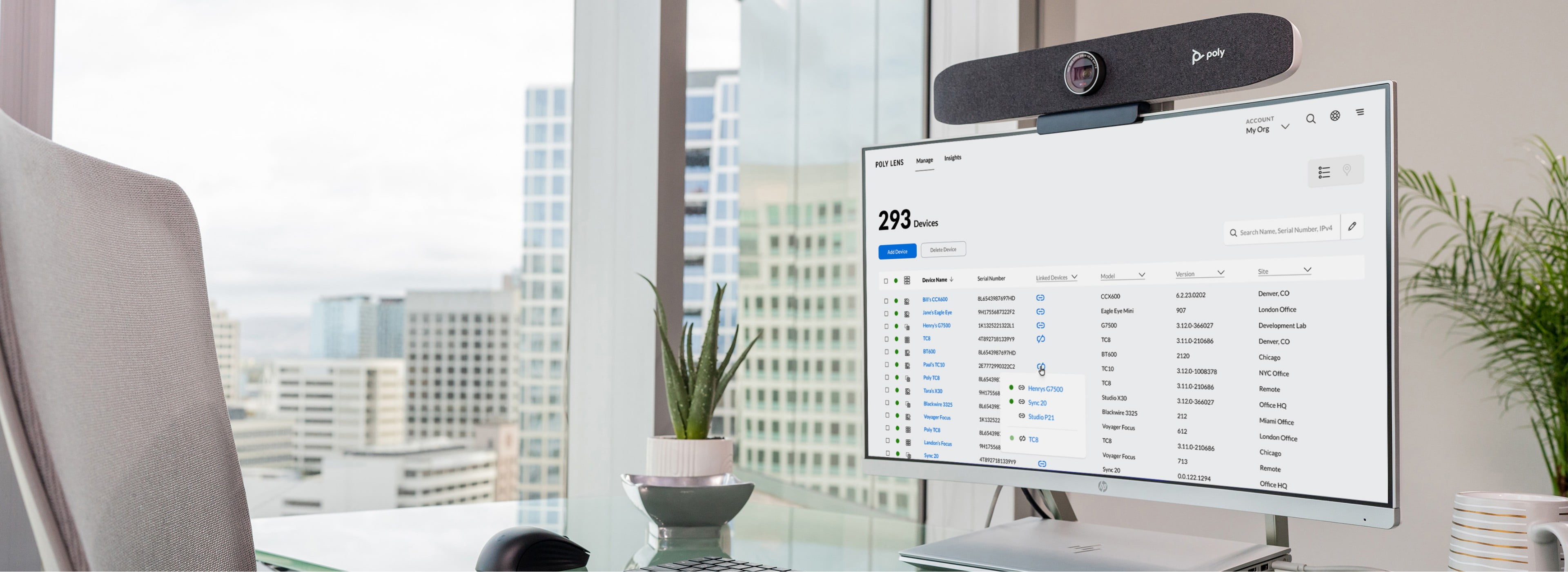
Poly Lens changes everything by giving IT teams complete visibility and control across all meeting rooms from a single platform. With centralised management, teams can remotely troubleshoot issues, roll out firmware updates at scale, and monitor device health and usage through powerful analytics. The result is fewer disruptions, faster resolution times, and more reliable meeting experiences across the entire workplace.
IT teams get out of "reactive mode" and regain time for strategic work.
6. Ageing Windows 10 Microsoft Teams Rooms devices
With Windows 10 support ending back on 14 October 2025, outdated MTR systems bring security risks, compliance issues, and potential downtime.
HP | Poly’s upgrade path makes modernising meeting rooms simple and cost-effective. Modern HP compute kits optimised for Microsoft Teams Rooms pair seamlessly with Poly cameras and video bars, ensuring a consistent, high-performance experience across spaces. With compatibility through the HP | Poly Trade-Up Program, organisations can offset upgrade costs while transitioning to future-ready collaboration technology.
The refresh becomes an opportunity, not a burden.

7. Inconsistent experiences across offices
Different brands, interfaces, and user experiences lead to confusion, wasted time, and unnecessary support requests.
Standardising on HP | Poly delivers a consistent user experience across all room sizes, giving employees a familiar and intuitive way to meet every time. With predictable performance and reliable outcomes, organisations benefit from simpler onboarding for new staff and significantly lower support demands for IT teams. Overall, creating smoother meetings and more efficient workplaces.
Consistency turns meeting rooms from a wildcard into a predictable asset.
Final thoughts
Meeting room frustrations aren’t inevitable. With the right design and HP | Poly ecosystem, workplaces can deliver seamless, inclusive, and reliable hybrid collaboration experiences, every time. If you’re ready to fix your meeting room issues for good, the Merge team can help design and deploy the right HP | Poly solution for your workplace.
Learn more about creating better hybrid meeting experiences with Merge Technologies and HP | Poly.
Contact us to speak with a collaboration specialist.
Last updated: 21/01/2026
Grace Tran - Marketing & Communications Manager